From Netflix screens to your phone: the Vecna invasion
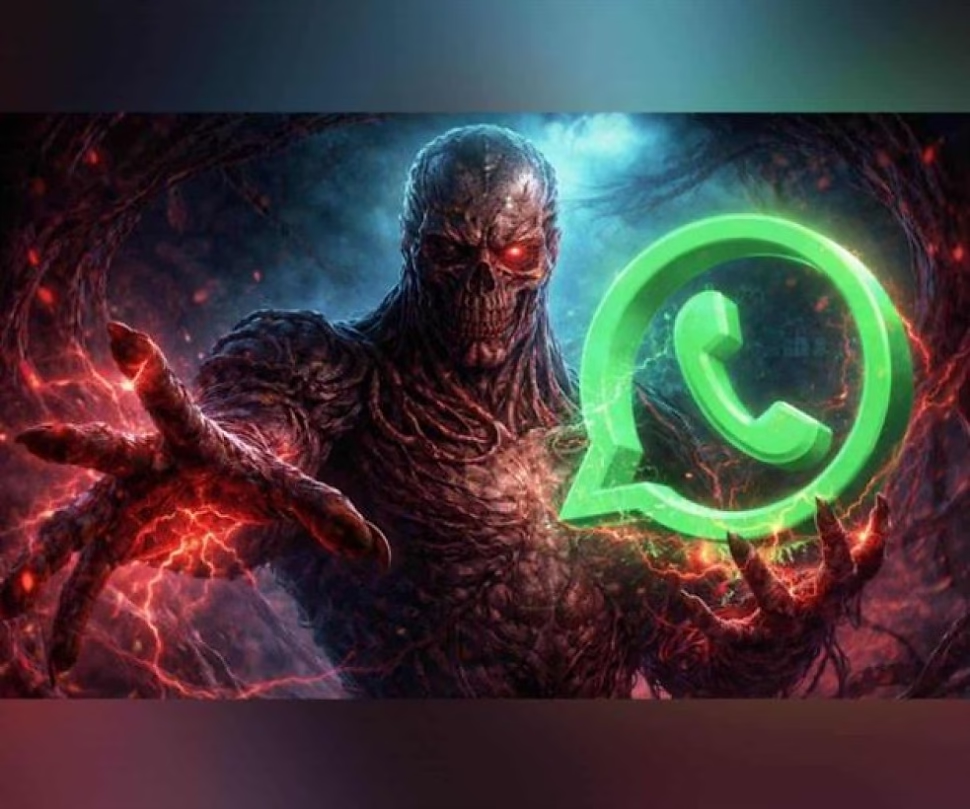
Ah, Vecna. Everyone’s favorite villain ever since he decided that ripping off limbs and terrorizing teenagers in Hawkins was a perfectly reasonable life plan. After his stellar appearance in the fourth season of Stranger Things, he not only managed to traumatize Once, Max Mayfield and company, but, in an ironic twist of fate, he became an aesthetic inspiration. Because, of course, what better way to honor an interdimensional nightmare being than by turning your gossip and meme app into a tribute to his dark reign?
That’s right, dear user. While you thought WhatsApp was only for asking “did you arrive?” and receiving chains from your aunt, a sector of the population decided that what the app really needed was a dose of supernatural terror. It’s not an official Meta feature, obviously. That would be too sensible. This is a manual customization ritual, a hack for brave souls who long for writing “lol” to have a touch of Lovecraftian menace.
The three-step ritual: easier than escaping from the Upside Down
Ready to immerse your chats in the dark? The procedure is simpler than the plot of a slasher movie. You will need three visual offerings (or, as the uninitiated call them, “images”) of the aforementioned villain: one square, one vertical and one horizontal. Get them from some Internet image bank, that magical place where stock photos of people smiling coexist with… well, with the corrupting essence of Vecna.
Step 1: The Icon, the gateway. This is where a personalization app like Nova Launcher comes into play (only for the green team, the Android ones). Press and hold the innocent WhatsApp icon, select “Edit” and replace it with your square image. Make sure it is dark, with deep blacks or bloody reds. The goal is that when you open the app you feel a chill, not the joy of a new message.
Step 2: The Keyboard, where the (black) magic happens. If you use Gboard or any keyboard with a minimum of self-esteem and options, go to its settings. The simple method is to choose a dark theme. The overkill method is to apply your horizontal image as the background. Imagine it: every time you type “OK,” you’ll do so over a glimpse of the Upside Down. Poetic, right?
Step 3: The Chat Background, the final touch. This is the masterstroke. Go to Settings > Chats > Wallpaper in WhatsApp and select your vertical image. Make sure the elements represent the character well and, a crucial tip, that they have good contrast so you can still read the messages. We don’t want aesthetic compromise to ruin your ability to decipher whether you’re invited to a party or not.
And voila. You have transformed your everyday communication tool into an 80s horror cult artifact. Each notification will be a reminder that, as the world continues to spin, you have chosen to align yourself with the forces of darkness… or at least, with their color palette. It’s the ultimate customization hack for fans who aren’t satisfied with just watching the series, but who need to live it in every aspect of their digital life, no matter how absurd that may sound.
Do you dare to give your conversations a dimensionally terrifying twist? Share this ingenious (and completely unofficial) personalization method on your social networks and challenge your friends to make their WhatsApp more boring than the rest of the world. And if you liked diving into this dark side of technology, explore more content related to tricks, customization and pop culture in our section. Next time, maybe we’ll show you how to put the Jaws theme on your weather app.