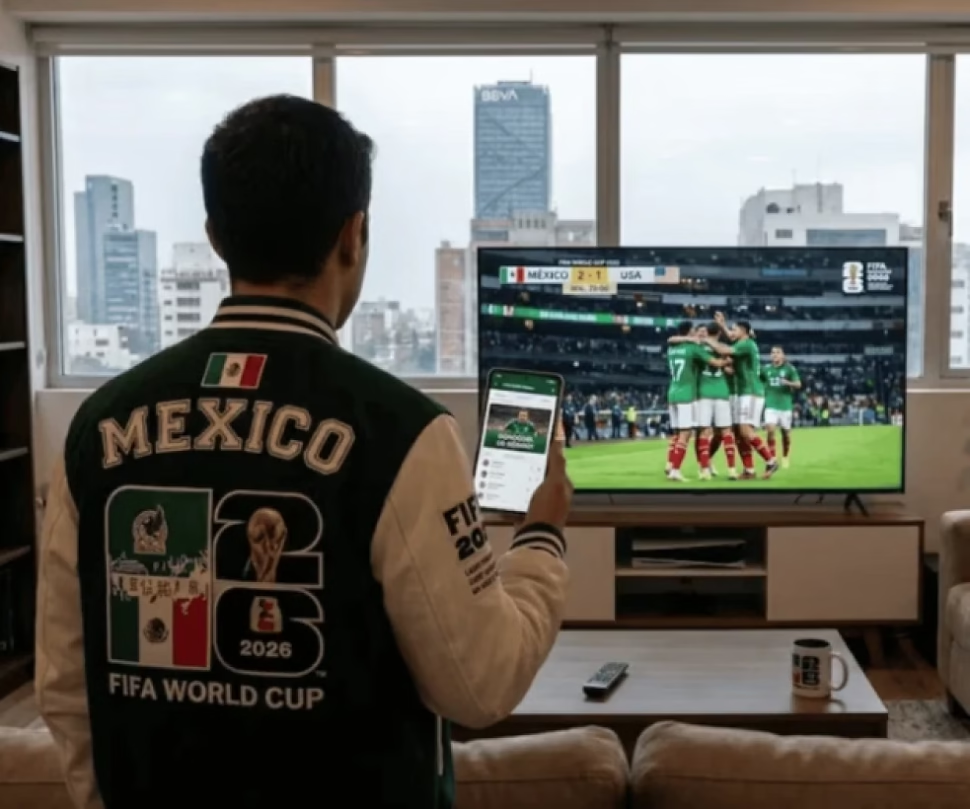
The 2026 World Cup starts with the duel between Mexico and South Africa at the Mexico City Stadium. With 48 teams, 104 matches and venues in three countries, following each match can be chaotic. A free tool simplifies it: integrates the entire calendar on your cell phone with automatic alerts.
How to synchronize the World Cup calendar
The site calendariomundial2026.com offers a smart calendar that updates itself. Works with Apple Calendar, Google Calendar, Outlook and other services. You just choose your teams or all the games, set your time zone, and the system generates a file to add in seconds.
On iOS, you enter the portal, select the option for iPhone or iPad, authorize the subscription and that’s it. Schedules automatically adjust to your location. As the rounds progress, new matches appear without you doing anything.
On Android, you use Google Calendar. You copy the subscription link, enter Google Calendar from a browser, go to “Other calendars” > “From URL”, paste the link and confirm. Then you activate synchronization on the phone. This is how all the matches are reflected: round of 16, quarterfinals, semifinals and the final.
Advantages to follow each match
The system avoids constant queries. You receive reminders before each duel, regardless of the device. Additionally, you can limit the tracking to your favorite team or combine it with all the knockout stages. It is a practical solution to not miss the biggest World Cup in history.